LinkedIn Jobs Review 2026: Best Network, 31-Hour Alert Lag
LinkedIn has the strongest network and the slowest alerts: in 50 timed postings, its median alert lagged career pages by 31 hours. Here is when to use it.
LinkedIn Jobs is the best job platform for networking and recruiter visibility, and one of the slowest for alerts. When we timed 50 postings, the median LinkedIn alert arrived 31 hours after the job appeared on the company's own career page. This LinkedIn Jobs review covers what the platform does well, where the alert lag hurts, what Premium is worth, and what to use alongside it if you want to apply early.
I built Scoutify, which watches company career pages directly, so I have an obvious interest in the speed question. Even so, I think almost all job seekers should keep using LinkedIn.
What LinkedIn Jobs Is
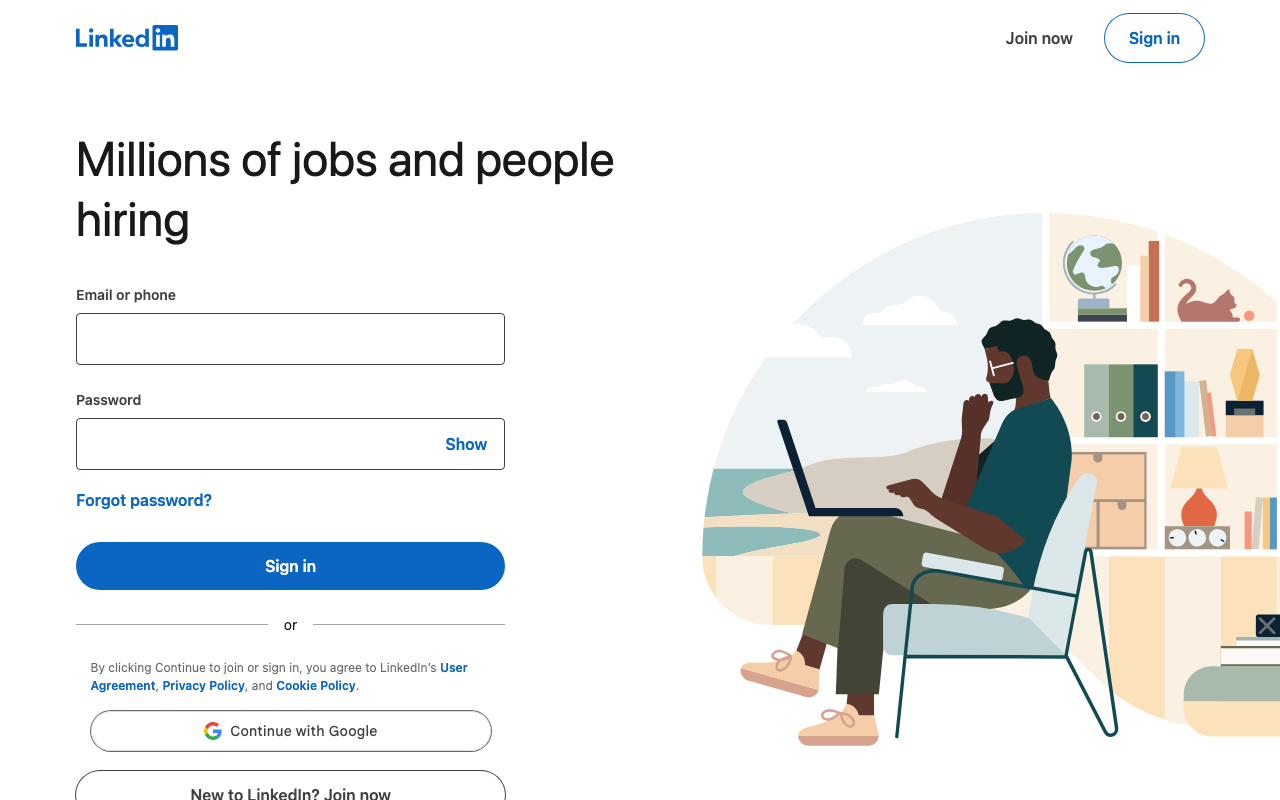
LinkedIn Jobs is the job search feature inside LinkedIn, the professional network with more than 1 billion members. Employers post jobs directly or syndicate them from their applicant tracking systems, and candidates search, filter and apply without leaving the site. Free and sponsored listings sit side by side, and paid placements get priority in search results and alerts.
Because every user has a profile, LinkedIn is also a recruiting database. Recruiters search for candidates, send InMails and track applicants through LinkedIn Recruiter, so your profile works as both your resume and your application portal.
Key Features
Job search and filtering
LinkedIn offers solid search. You can filter by title, location, company, experience level, date posted, remote or hybrid setting and industry, save searches, and see recommended jobs based on your profile and activity.
Easy Apply
Easy Apply lets you submit an application in a few taps with your LinkedIn profile. Some employers use it, and others send you to their own career site. It is convenient, but it also means many more candidates apply with little effort, which raises the competition on those listings.
Job alerts
You can turn any saved search into an email or in-app alert. LinkedIn sends matches in daily or weekly digests, and push notifications in the mobile app are mixed in with likes, comments and connection requests.
Networking
Networking is LinkedIn's real advantage. On any job, you can see your connections at the company, mutual contacts with the hiring manager and alumni from your school, and for roles where referrals matter, no other job platform gives you that view.
Strengths
- The network effect is massive. Nearly every professional is on LinkedIn, and most companies post there eventually.
- Recruiters come to you. A well-written profile attracts inbound recruiter messages without any extra work.
- Connection insights are unique. You can see who you know at each company before you apply.
- The coverage crosses industries. LinkedIn is strong from tech to healthcare, finance and non-profits.
- Easy Apply is convenient. For casual browsing, the low-friction application is genuinely helpful.
Weaknesses
- Alerts are slow. Jobs must be posted or syndicated to LinkedIn, indexed, matched to your saved searches and then delivered, and each step adds delay.
- Sponsored listings dominate. Paid posts are pushed to the top of search results and alerts, so organic listings from smaller companies get buried.
- Job alerts compete with social noise. Important alerts can get lost among endorsement requests, invitations and post notifications.
- Ghost jobs linger. Some employers leave listings up long after a role is filled, and LinkedIn has limited ways to flag stale postings.
- Easy Apply floods popular roles. Hundreds of applications can arrive quickly, many from poorly matched candidates, which lowers response rates for everyone.
- The algorithm is opaque. You cannot fully control which jobs you see or why some listings rank above others.
The 31-Hour Alert Lag
For anyone who cares about timing, LinkedIn's alert system has a structural problem. At hour 0, the company posts the job on its own career page. Within the first day, the listing is syndicated to LinkedIn, depending on the employer and its ATS settings. LinkedIn then indexes it and matches it to saved searches, and the alert reaches you in an email digest or app notification, typically 24 to 72 hours after the original posting.
In our timing of 50 postings, the median lag was 31 hours behind the career page. By then, a competitive tech role may already have more than 200 applications, and recruiters often read applications in the order they arrive. Our post on why LinkedIn job alerts are late walks through each step of the delay. Tools that watch career pages directly see the same jobs within minutes, which is why Scoutify's instant job alerts from company career pages close most of that gap.
Can You Auto Apply on LinkedIn?
Several tools offer to send Easy Apply applications for you, but LinkedIn's User Agreement prohibits software that automates activity on the site, and users of mass-apply tools have reported restricted and banned accounts. Your LinkedIn profile is also how recruiters find and check you, so I think risking it in the middle of a search is a bad trade. Our guide to LinkedIn auto apply covers the options and the risks in detail.
Scoutify takes a different route. Snipernever logs in to your LinkedIn account and never applies on linkedin.com. It applies directly on the employer's own career site, through Workday, Greenhouse and SmartRecruiters, with Ashby and Lever rolling out, usually minutes after a matching job posts and often a day before the same job shows up in a LinkedIn alert. It sends one application per posting, and most employers reply with a confirmation email that lands in Scoutify Mail.
Who LinkedIn Jobs Works Best For
- Passive job seekers do well on LinkedIn, because the delay matters less when recruiters can find your profile.
- Networking-driven searches belong on LinkedIn, because its social layer is unmatched by any other job platform.
- Candidates in fields such as marketing, sales, HR and operations, where speed matters less, will find LinkedIn's coverage broad and often sufficient.
- Senior candidates with strong profiles will receive recruiter messages regardless of alert speed.
Who Should Add Something Faster
- Applicants who need to be among the first to apply will find a 31-hour median lag a real problem.
- Active seekers targeting top tech companies should know that FAANG, unicorn and AI startup roles fill fast, and the early window has often closed by the time LinkedIn alerts arrive.
- People who want clean, job-only notifications may find LinkedIn's bundled notifications frustrating.
Pricing
LinkedIn Jobs is free, including search, Easy Apply, alerts and saved searches. Premium Career adds InMail credits, applicant insights, profile-view details and LinkedIn Learning, and as of September 30, 2026, it costs $29.99 to $39.99 a month in the US, depending on when you subscribe and where you buy it. Premium Business costs more and adds extra InMails and company insights, which most job seekers do not need. Premium does not make alerts faster, but it does show you how you compare with other applicants.
Frequently Asked Questions
Are LinkedIn job alerts fast?
LinkedIn job alerts are slow. In our timing of 50 postings, the median alert arrived 31 hours after the job appeared on the company's career page, because LinkedIn has to receive, index and match each listing before it alerts you.
Is LinkedIn Premium worth it for job search?
LinkedIn Premium Career is worth it for networking-heavy searches, because it adds InMail credits and applicant insights. It does not speed up job alerts, so for discovery the free tier plus a tool that watches career pages usually delivers more for less money.
Is it safe to auto apply on LinkedIn?
Automating Easy Apply carries account risk, because LinkedIn's User Agreement prohibits automated activity and some users of mass-apply tools have reported restricted accounts. Scoutify's Sniper avoids that risk by applying on employer career sites and never logging in to your LinkedIn account.
What should I use alongside LinkedIn for job search?
LinkedIn is strongest for networking and research and weakest for alerts. Pair it with Scoutify, which watches 70,000+ career pages and whose Sniper plan applies to new matching jobs minutes after they post, and use a tracker such as Huntr or Teal if you want to organize your applications.
Verdict
LinkedIn Jobs is the strongest platform for professional visibility and for using your network during a search. Its scale and recruiter adoption make it a baseline tool, and its networking features cannot be replicated anywhere else.
As your main alert source, though, it means accepting a 31-hour median delay. For competitive roles, I would keep LinkedIn for networking and let Sniper apply on company career sites minutes after a job posts, so you are early without putting your LinkedIn account at risk.
We rate LinkedIn Jobs 3.5 out of 5 for job alerts specifically, because it is strong for networking and recruiter visibility and slow for time-sensitive applications.
Related Reviews and Guides
- Our Indeed review times the other big board.
- Our list of LinkedIn alternatives compares faster options.
- Our list of the best auto-apply tools explains which tools apply on LinkedIn and which do not.
- The job search tool comparison matrix puts 20+ tools in one table.
Written by
Jules Lemée
Founder of Scoutify
Founder of Scoutify. Has worked as a cloud engineer, software engineer, and ML researcher, while also leading product and go-to-market at startups. Serial tech entrepreneur since age 13, with ventures reaching tens of thousands of users.
Stop refreshing LinkedIn.
Browse the job board free, no account needed. Real-time alerts from 70,000+ company career pages start at $5/week, so your phone buzzes the minute a matching job goes live.
BROWSE JOBS - FREE